
SE Mission Control
The comfortable and advanced command centre
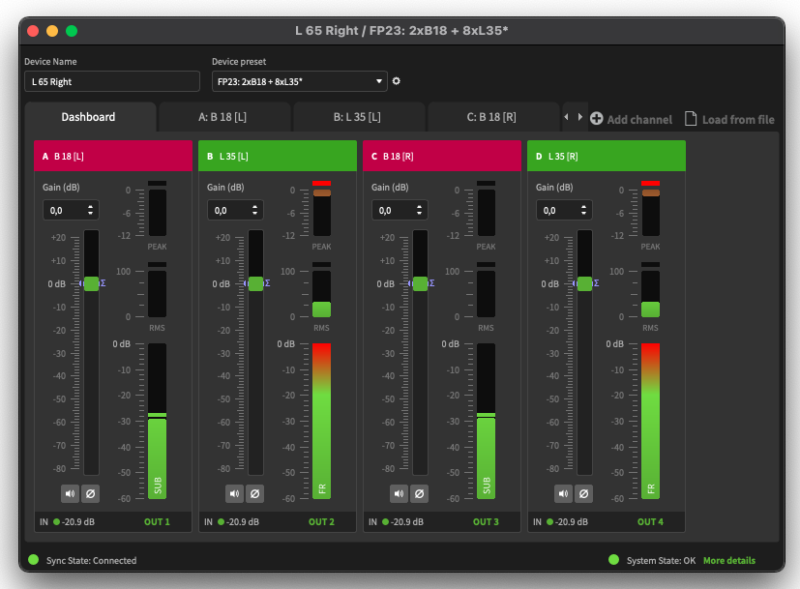
The SE Mission Control is your command center and puts you right in the spot of all your audio and system operation. From here you have full system access to control and monitor your SE sound solution – easy – just over a standard network. SE Mission Control is the ideal tool for all your installation and “on the road” applications.
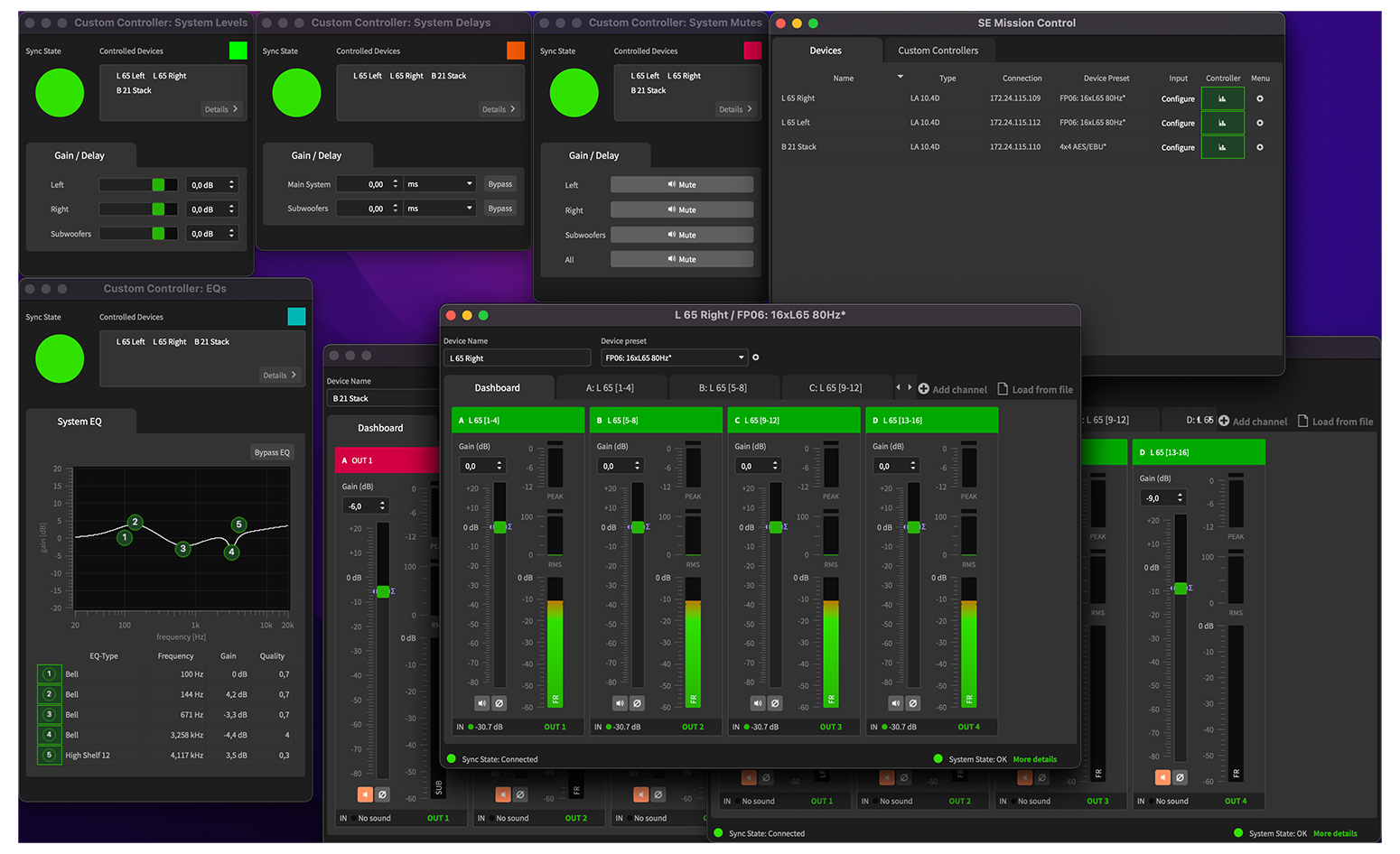
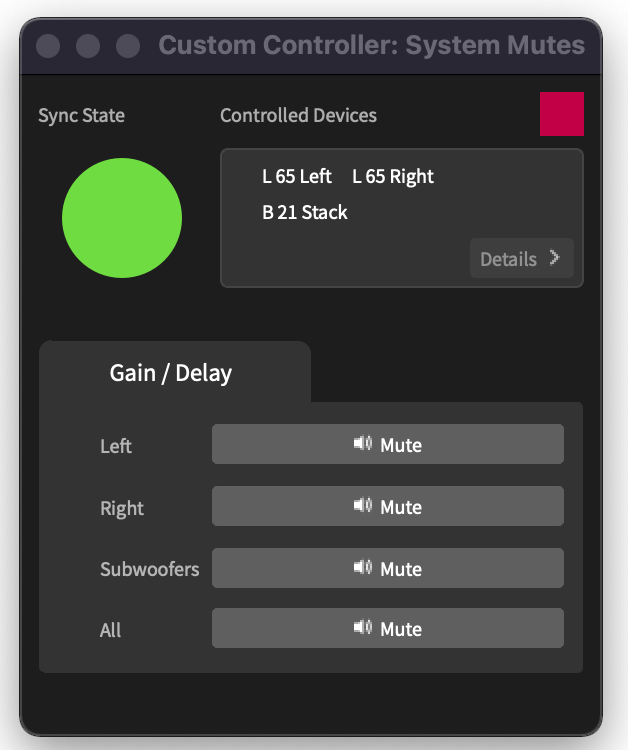
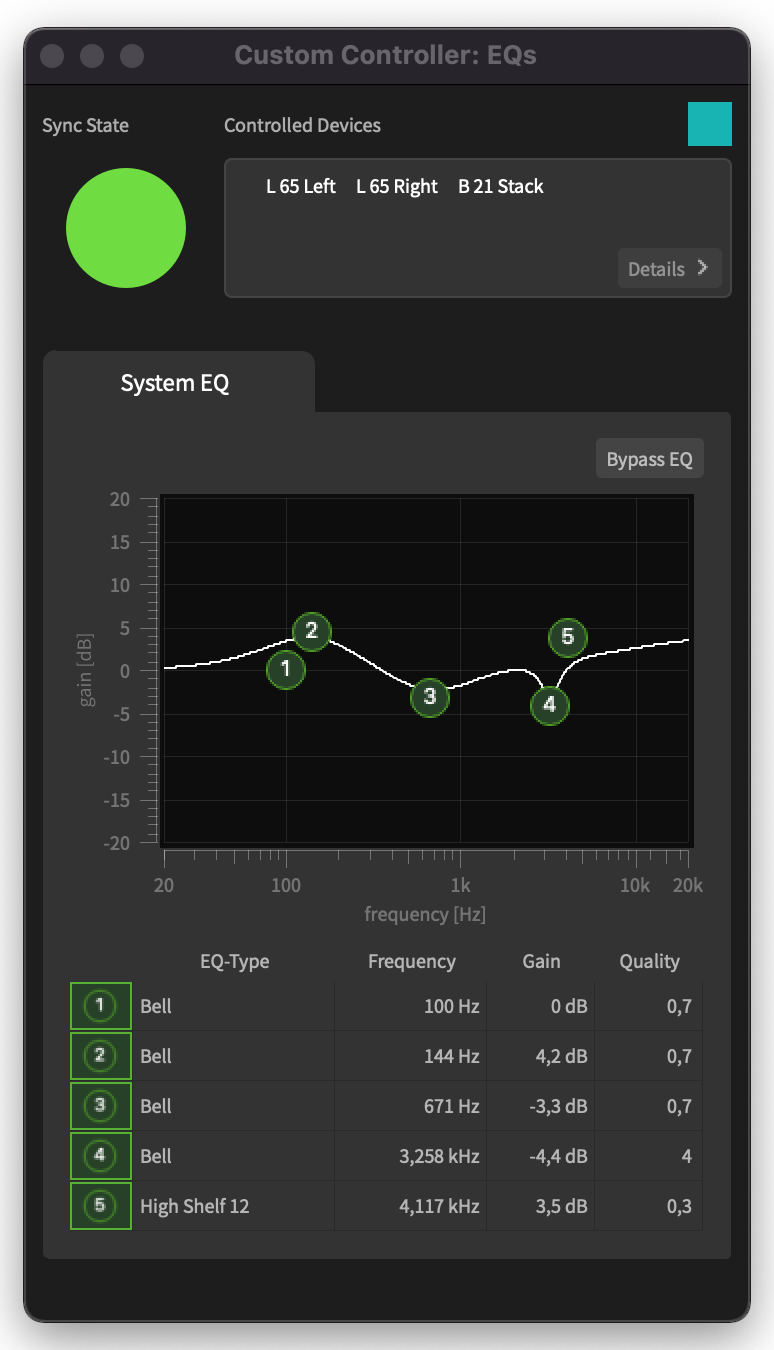
Set your system for tonal balance and a homogeneous level between all speakers and subwoofers. Adjust the sound reproduction parameters based on your project requirements and the performance venue. (We don’t have a time travel feature built in – at least not yet – but) You can time-align individual channels and groups of speakers and subwoofers. With SE Mission Control you can constantly monitor signal and temperature levels of all SE System Engines.
Initiate your setup procedure in no time, thanks to the comprehensive device presets. This is the best and fastest way to select speaker type, inputs and many more options. Presets are developed to set your system in kind of auto-mode, by supporting many application and setup scenarios. The system is prepared for line array elements and loudspeaker combinations such as 4x L 35, 4x L 65 or 2x B 18 and 2x SMX monitors – and many more.
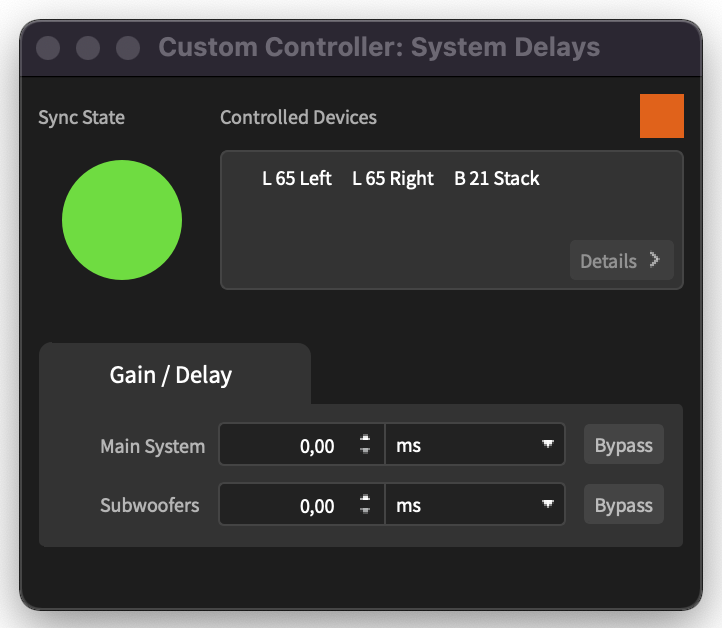

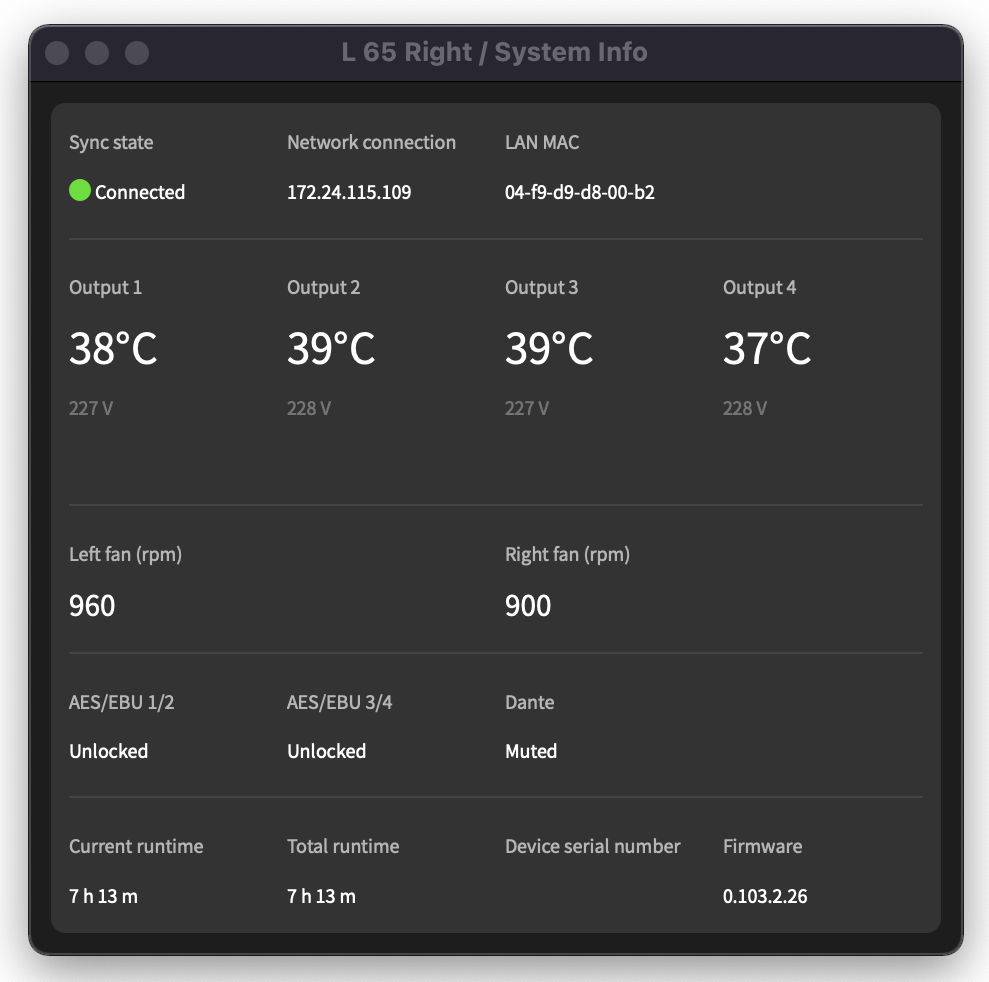
Experience the features of DSP and network capabilities and the new control software which is called SE Mission Control.
Features
Enable full power and potential of the SE system solution
Easy full featured channel access
Simple Channel-Grouping with the help of your system mission assistant
Control level, delay, EQ and much more parameters and functions
Keep the overview through complete system monitoring
macOS and Windows operation systems supported
Recommendation
It is recommended to run SE Mission Control on computers running Windows 10 (or higher) or Mac OS 10.12 (or higher) with a minimum of 4 GB of RAM. The more RAM your computer is equipped with, the better performance you will experience.
Ensure to have at least 200 MB free hard disk space available.
It is highly recommended to use a dedicated network setup to remote control your SE AUDIOTECHNIK DSP amplifier(s).
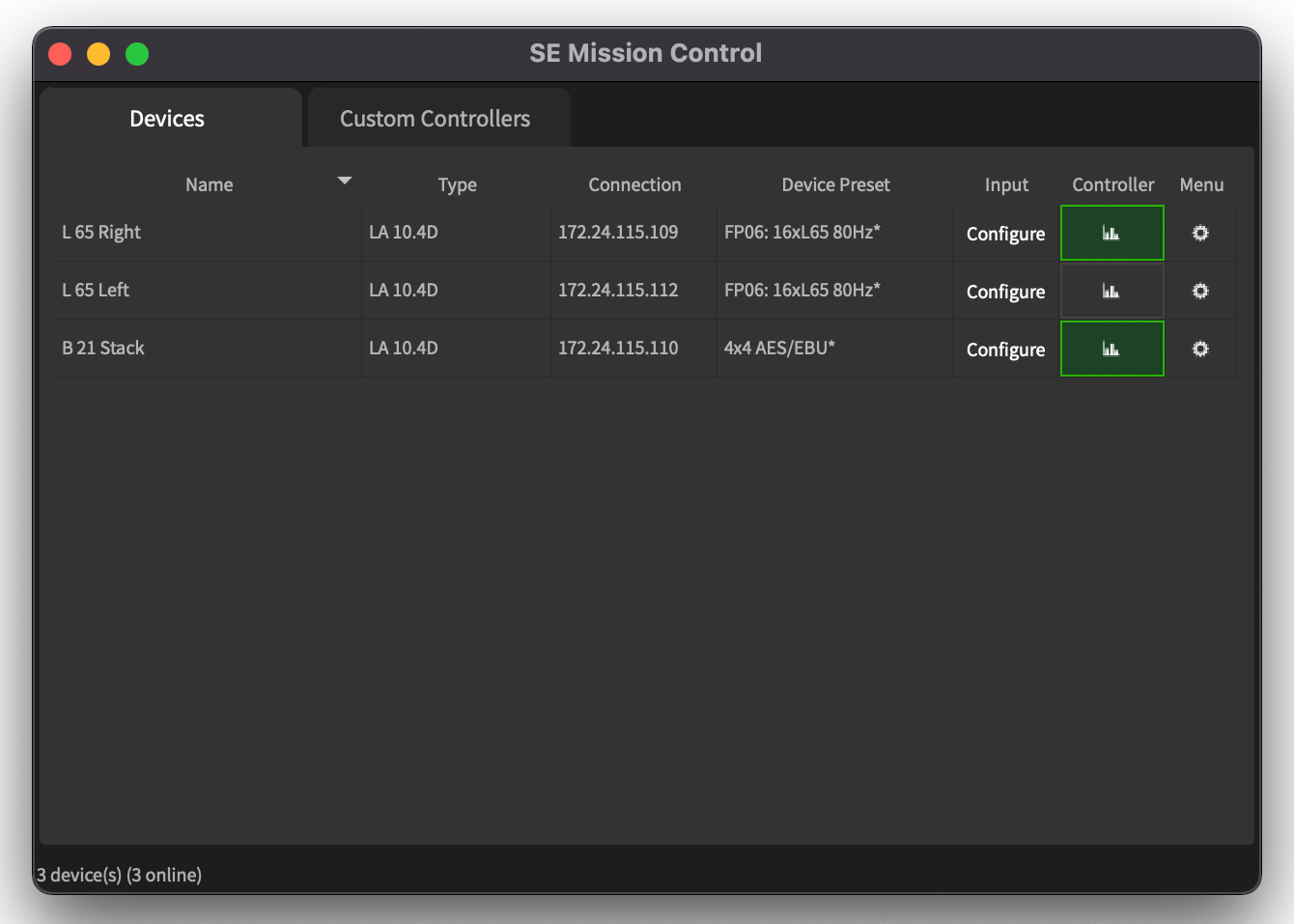
Main screen at start-up
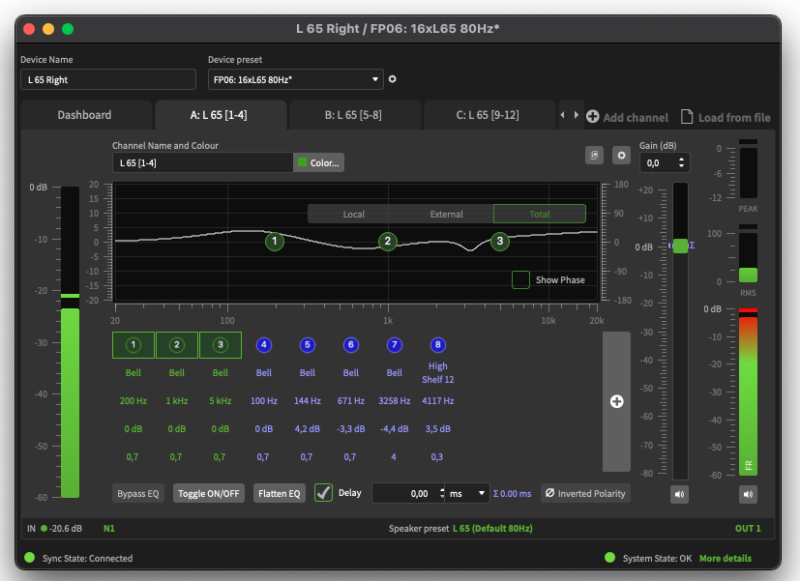
Channel Controller
Controller Dashboard
Online Manual
Click on our icon on the right. There you will find an online version of the SE Mission Control manual.
Changelog
Here you can find our changelog with the current changes and adjustments: To the changelog
Release Notes
Here you can find our release notes: Release notes
SE Mission Control v1.1.2 Mac Setup
SE Mission Control v1.1.2 Mac Setup
Downloadfile 
File Size 69 MB
Version v1.1.2
Downloads 0
Download
SE Mission Control v1.1.2 Win Setup
SE Mission Control v1.1.2 Win Setup
Downloadfile
File Size 74 MB
Version v1.1.2
Downloads 1
Download
SE Mission Control v1.1.2 Release Notes
Downloadfile
File Size 266 kB
Version v1.1.2
Downloads 2
Download
SE Mission Control v1.1.1 Mac Setup
SE Mission Control v1.1.1 Mac Setup
Downloadfile
File Size 67,4 MB
Version v1.1.1
Downloads 2772
Download
SE Mission Control v1.1.1 Win Setup
SE Mission Control v1.1.1 Win Setup
Downloadfile
File Size 71,6 MB
Version v1.1.1
Downloads 2779
Download
SE Mission Control Manual English
Downloadfile
File Size 36,4 MB
Version v22020505
Downloads 3499
Download